You paid to have a website built. Six months later it is slower, a plugin update has broken the contact form, and you have no idea when it was last backed up. This is the default state of an unmaintained WordPress site, and it is the reason a web maintenance package exists.
A web maintenance package is a recurring service that keeps a website secure, current, and online after launch. For a business in Singapore, the question is rarely whether to maintain a site. It is which services actually belong in the retainer, and which are padding you are paying for but will never use.
This article breaks down the seven things a maintenance package should cover, what “good” looks like for each, and the specific questions to ask a provider before you sign. We maintain client sites on hardened infrastructure every day, so the standards below are the ones we hold our own stack to, not a generic checklist.
What is a web maintenance package?
A web maintenance package is a fixed monthly or annual service that handles security, software updates, backups, uptime monitoring, bug fixes, and content changes. It exists because a website is software, and software degrades without attention.
Most packages in Singapore are priced as a monthly retainer with a capped number of support hours. The cheapest tier typically covers updates and backups only. Higher tiers add active security monitoring, performance work, and priority response when something breaks. According to the WordPress project’s own usage data, WordPress powers over 40% of all websites, which makes it the single most-attacked CMS on the web and the reason maintenance is not optional for a WordPress site.
The seven components below are the ones that separate a real maintenance package from a line item that quietly does nothing.
1. Does a web maintenance package need a firewall?
Yes. A web application firewall (WAF) is the single most important item in a maintenance package, because it blocks attacks before they reach your site rather than cleaning up after they succeed.
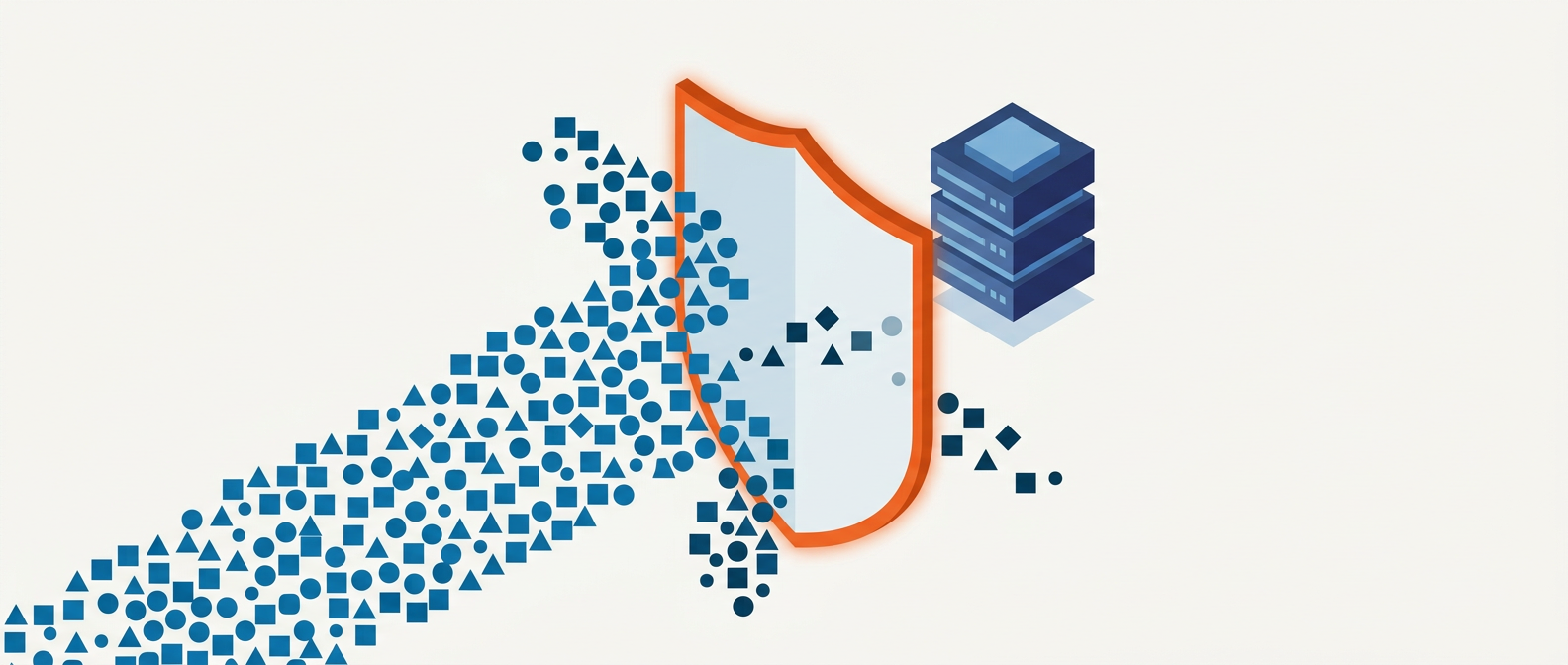
A web application firewall filters incoming HTTP traffic and blocks common attack patterns: SQL injection, cross-site scripting, and brute-force login attempts. According to the OWASP Top 10, injection and broken access control remain among the most common causes of web application breaches, and a properly configured WAF blocks most of them at the edge.
There is an important distinction your provider should be able to explain. A plugin-based firewall runs inside WordPress, which means the attacker’s request has already reached your server before it is filtered. A server-level or edge firewall blocks malicious traffic before it ever touches WordPress. The server-level approach is faster and more secure, because it means fewer requests hit PHP and your database at all.
On the infrastructure we run, this is handled by a server-level 7G/8G firewall ruleset combined with Fail2Ban, which bans IP addresses after repeated failed login attempts, and Cloudflare’s edge WAF in front of that. If a provider tells you their “firewall” is a single security plugin, that is the weakest version of this protection, and you should ask what happens at the server and DNS level.
Ask your provider: Is the firewall at plugin level, server level, or edge/DNS level? (Edge and server are what you want.)
2. Why do WordPress core and plugins need constant updating?
WordPress core, themes, and plugins need regular updates because most updates patch security vulnerabilities that are publicly disclosed the moment the fix is released. An unpatched plugin is a documented, published doorway into your site.
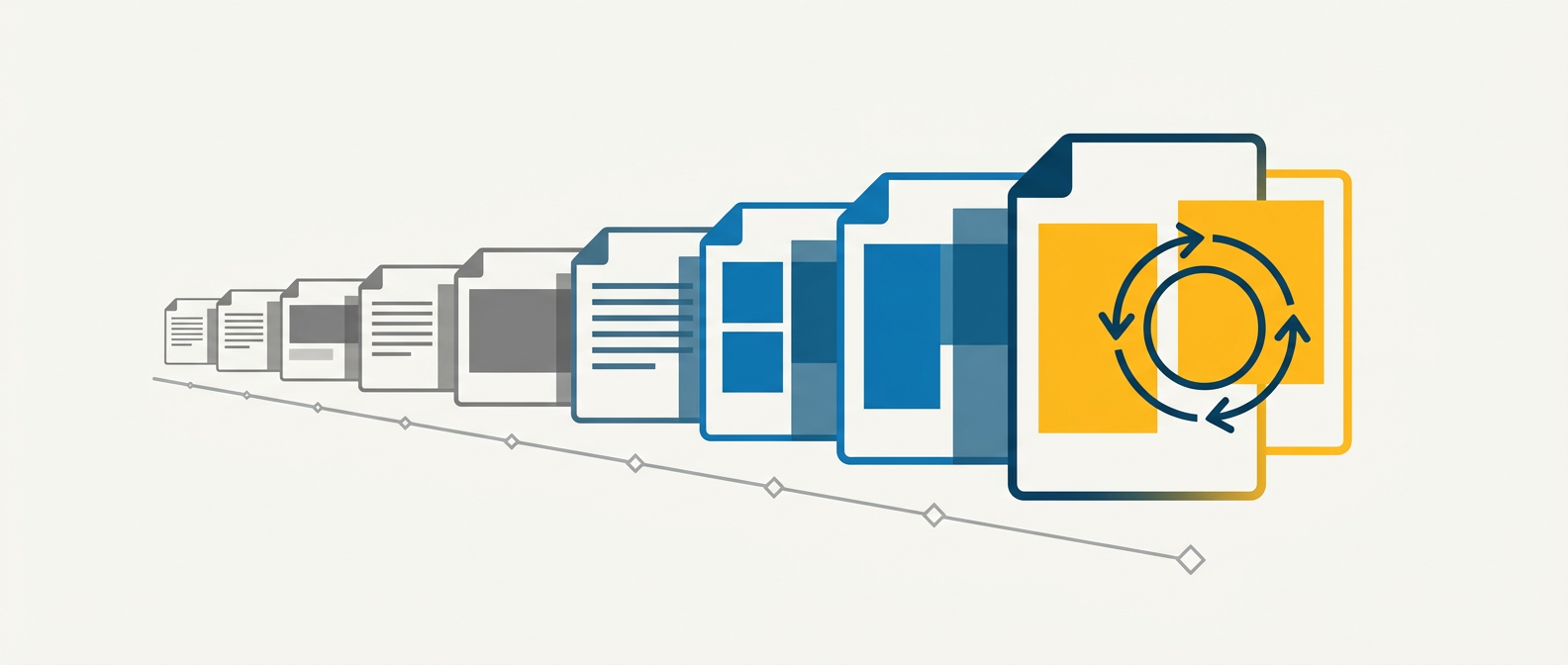
According to Patchstack’s State of WordPress Security report, the overwhelming majority of WordPress vulnerabilities are found in plugins and themes, not in WordPress core. Core is maintained by a large security team and is comparatively hardened. The risk sits in the twenty-odd plugins a typical site accumulates over the years.
This is why plugin count is a security metric, not just a performance one. Every plugin is code you did not write, running on your server, with its own update cadence and its own vulnerability history. A disciplined maintenance provider will actively question whether a plugin is still needed, remove abandoned ones, and keep the total footprint small. We audit every plugin against a single test: does it earn its place, and is it still actively maintained by its developer?
Good update practice is not “click update on everything immediately.” It is updating on a staging copy of the site first, checking that nothing breaks, then pushing to the live site. Updating a plugin directly on a live production site with no staging environment is how contact forms silently stop sending and checkout pages white-screen during business hours.
Ask your provider: Do you test updates on a staging site before applying them to my live site? And do you remove plugins we no longer use?
3. What does “content management” cover in a maintenance package?
Content management in a maintenance package covers routine changes to existing content: updating text, swapping images, publishing a blog post, changing a price, or adding a new team member. It does not usually cover building new pages or new functionality.
This is the component most often misunderstood, and the one most likely to cause a billing dispute. Most packages allocate a capped number of hours per month for content work. The cap exists so that a client cannot ask the provider to re-type an entire product catalogue under a maintenance retainer priced for small edits.
The line you need clarified in writing is the boundary between a content change and a new build. Updating the copy on your existing About page is maintenance. Designing and building a new landing page with a new layout is a project. Reputable providers draw this line clearly upfront, because ambiguity here is where the relationship sours.
For a content-led business, check how unused hours are handled. Some providers let hours roll over for a month; most do not. If your content needs are seasonal, that detail matters.
Ask your provider: How many content hours are included, do they roll over, and where exactly is the line between an edit and a new build?
4. Is bug fixing included in web maintenance?
Bug fixing is included in most maintenance packages, but only for existing functionality that has stopped working, not for adding new features. Fixing a form that broke after an update is maintenance. Adding a new form is a new build.
Websites break for reasons that are not always your fault: a browser updates its rendering engine, a third-party script changes its API, a plugin conflict surfaces after months of working fine. When it happens, you need a developer who already knows your site’s quirks and can diagnose it quickly, rather than paying someone to learn your codebase from scratch under pressure.
The value of having your maintenance provider handle bugs is response time and context. They already have access, a staging environment, and a recent backup to test against. According to Google’s Core Web Vitals guidance, site performance and stability now directly affect search rankings, so a bug that degrades page speed or layout stability is a ranking risk.
Where providers differ is on response time commitments. A cheap package may promise a fix “within five business days.” For a site that takes enquiries or sales, that is far too slow. Higher tiers commit to same-day or next-business-day response for critical issues. Match the commitment to what downtime actually costs you.
Ask your provider: What is your guaranteed response time for a critical bug, and does bug fixing include or exclude new functionality?
5. How does uptime monitoring work, and why does it matter?
Uptime monitoring is an automated service that checks whether your website is online at short intervals, usually every one to five minutes, and alerts your provider the moment it goes down. It matters because the alternative is finding out your site is down when a customer tells you, or worse, when they simply leave.
Monitoring measures uptime percentage, the share of time your site was reachable over a month. The numbers sound close but are not. 99% uptime allows roughly 7 hours of downtime a month. 99.9% allows about 43 minutes. 99.99% allows about 4 minutes. For a site that takes bookings or sells online, the gap between those tiers is real lost revenue.
Good monitoring does two things beyond the alert. It logs the incident so you can see patterns, and it distinguishes between a full outage and a slow response, because a site that loads in twelve seconds is functionally down for most visitors even though it technically responds. According to Google research on mobile page speed, the probability of a visitor bouncing rises sharply as load time climbs past three seconds.
The question worth asking is what happens after the alert fires. Monitoring is only useful if someone is on call to act on it. Ask whether monitoring is paired with a response commitment, or whether it just quietly logs the outage until office hours.
Ask your provider: What uptime percentage do you target, and what happens when the monitor detects an outage outside business hours?
6. How often should a website be backed up?
A website’s backup frequency should match how often its content changes. A brochure site that rarely changes can be backed up daily; a busy e-commerce store taking orders through the day needs real-time or hourly backups so that a failure never loses a completed transaction.
A backup is your last line of defence. When a hack, a botched update, or server failure takes the site down, a clean recent backup is the difference between a one-hour restore and a rebuild from nothing. But not all backups are equal, and the details are where cheap packages cut corners.
Three questions determine whether a backup is actually useful:
- How often is the backup taken? Daily is the floor for most sites. If you lose a day of orders or enquiries, is that acceptable?
- How many backups are retained? Keeping only the most recent backup is dangerous. If a site is compromised and the malware sits undetected for a week, every backup taken during that week is infected too. A useful retention window is 30 days, so you can restore to a point before the compromise.
- Has the restore actually been tested? A backup that has never been restored is a hope, not a plan. Corrupted or incomplete backups are common, and you do not want to discover that during an emergency.
On our infrastructure this runs at the server level through GridPane’s backup system, with configurable frequency and retention, separate from any WordPress plugin. Keeping backups off the WordPress layer means the backup process itself is not exposed to the same vulnerabilities as the site.
Ask your provider: How often are backups taken, how long are they kept, and have you tested a full restore recently?
7. Are offsite backups really necessary?
Yes. An offsite backup stores a copy of your site in a different physical location from the server it runs on, and it is necessary because an on-server backup does not survive the server itself failing or being compromised.
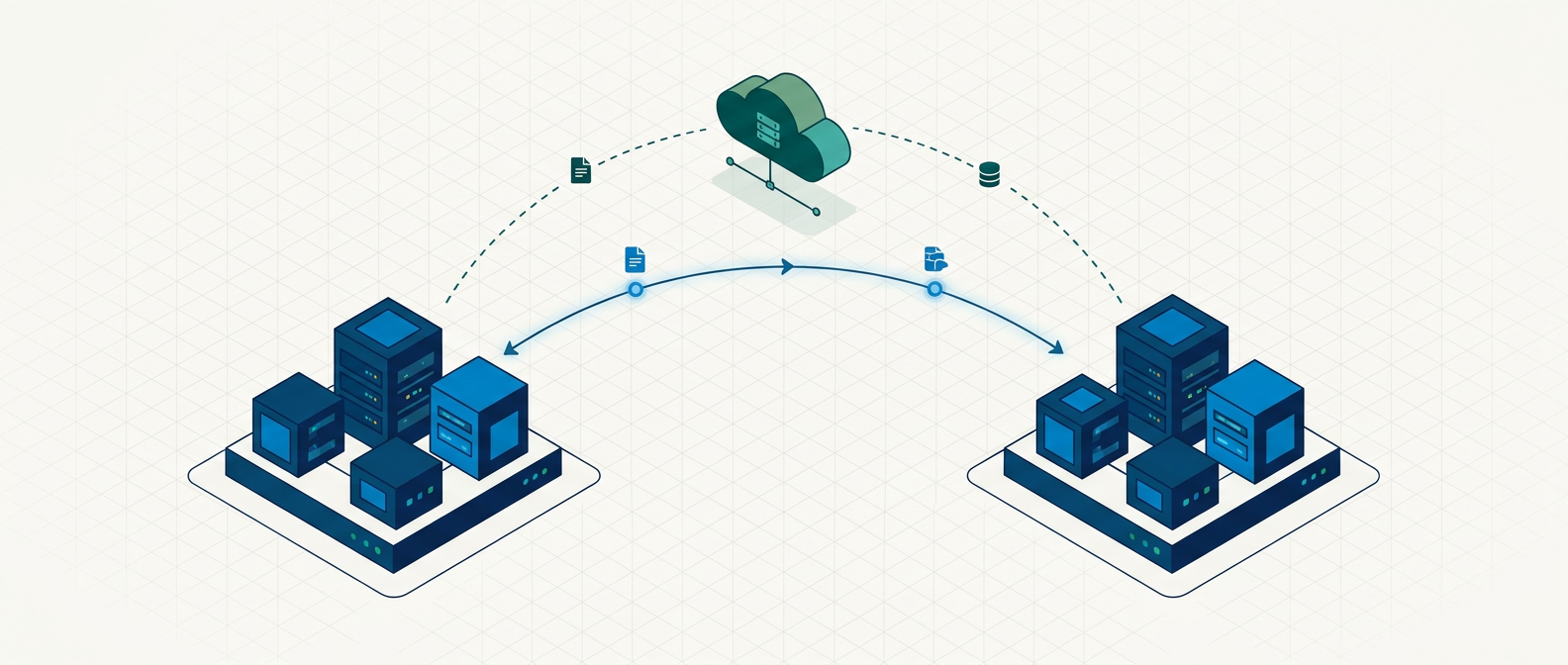
This is not the same point as backup frequency, and it is the item cheap packages most often skip. Many providers back up your site and leave the copy on the same server the site runs on. That protects you if only your website is affected. It protects you against nothing if the entire server crashes, is hacked at the host level, or the data centre suffers a physical incident. In that case the site and its backups are lost together.
An offsite backup, stored in separate cloud storage or a different data centre, survives all of those. According to the widely referenced 3-2-1 backup rule, you should keep three copies of your data, on two different types of media, with at least one copy stored offsite. It is the baseline standard for any data you cannot afford to lose, and a website that generates enquiries or revenue qualifies.
For a Singapore business, there is a practical wrinkle worth checking: where the offsite copy is physically stored. If data residency matters for your industry or your customers, ask which region the backups are held in.
Ask your provider: Are backups stored offsite, in separate infrastructure from my server, and in which region?
What else should a good web maintenance package include in 2026?
Beyond the seven core items, a strong 2026 maintenance package should also cover performance monitoring against Core Web Vitals, SSL certificate renewal, and a periodic security audit. These have moved from “nice to have” to baseline expectations in the last few years.
Core Web Vitals maintenance. Since Google made Core Web Vitals a ranking factor, page speed is an SEO issue, not just a user-experience one. The three thresholds to hold are Largest Contentful Paint under 2.5 seconds, Cumulative Layout Shift under 0.1, and Interaction to Next Paint under 200 milliseconds. Sites drift out of these limits over time as content and images accumulate, so a good package monitors them and acts before rankings slip.
Image and media hygiene. Uncompressed images are the most common cause of a slow WordPress site. Serving modern formats like WebP, lazy-loading below-the-fold media, and sizing images correctly are ongoing maintenance tasks, not one-time launch settings.
SSL and security certificate management. An expired SSL certificate throws a browser warning that will scare away every visitor. Certificate renewal should be automated and monitored as part of the package.
Periodic security audits. A quarterly review of user accounts, file permissions, plugin footprint, and login logs catches the slow-building risks that day-to-day monitoring misses. This is the difference between reacting to incidents and preventing them.
When you might NOT need a full maintenance package
A full maintenance package is not always the right spend. If your site is a single static landing page hosted on a managed platform that handles updates and backups automatically, a heavy WordPress-style retainer may be more than you need.
Being honest about this: a small brochure site with no forms, no logins, no e-commerce, and no frequent content changes carries far less risk than a transactional site. If that describes you, a lighter package covering security and backups, without the content and bug-fixing hours, is often enough. The right level of maintenance is proportional to what the site does and what its downtime would cost you.
Where a full package earns its cost is any site that takes enquiries, processes payments, holds customer data, or runs the marketing that brings in your business. For those, the seven components above are not optional, and skipping them is a bet that nothing will go wrong, which is a bet that eventually loses.
Choosing a maintenance package that fits your business
The right web maintenance package is the one matched to your site’s actual risk and role, not the cheapest tier or the one with the longest feature list. A busy e-commerce store and a five-page brochure site have genuinely different needs, and a good provider will scope to that rather than sell you a flat package.

If you are weighing up providers, use the seven “ask your provider” questions in this article as your shortlist. The answers will tell you quickly who is running real, server-level infrastructure and who is reselling a security plugin with a markup. If you would like a straight assessment of what your site actually needs, get in touch and we will tell you plainly, including when a lighter package would serve you better.